iPhone · no App Store
Read the classics on your iPhone, free
Add goread to your home screen
Thirty seconds in Safari and you have an app-like reader.
- 1
Open goread in Safari
Go to goread.fun in Safari on your iPhone. Find a book and check it reads the way you like.
- 2
Tap the Share button
It's the square-with-an-arrow icon in Safari's toolbar. goread will point right at it the first time.
- 3
Add to Home Screen
Scroll the share sheet and tap “Add to Home Screen,” then Add. A goread icon lands on your home screen.
- 4
Open it like an app
Launch from the icon and goread runs full-screen with no Safari bars — and you stay signed in.
Made for reading on a phone
Full-screen reader
Launched from the home screen, goread fills the display — no address bar, no toolbars, just the page.
Works offline
Cached after install, so an opened book keeps reading on the train or a flight.
Five themes & big type
Midnight, sepia, e-ink and more, with adjustable size — comfortable one-handed reading, day or night.
Stays signed in
Sign in once before installing and the home-screen app keeps your library and place in sync.
Start on your phone
Tap a cover and start reading — install whenever you're ready.

Frankenstein
Mary Wollstonecraft Shelley
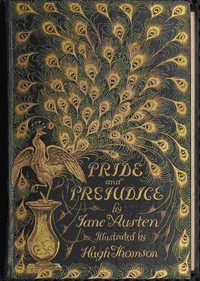
Pride and Prejudice
Jane Austen

Alice's Adventures in Wonderland
Lewis Carroll
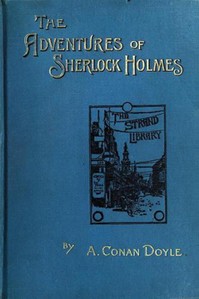
The Adventures of Sherlock Holmes
Arthur Conan Doyle
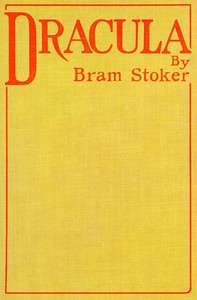
Dracula
Bram Stoker

The Picture of Dorian Gray
Oscar Wilde

Jane Eyre: An Autobiography
Charlotte Brontë
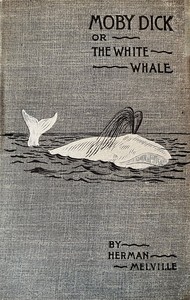
Moby Dick
Herman Melville

A Tale of Two Cities
Charles Dickens

Crime and Punishment
Fyodor Dostoyevsky

Wuthering Heights
Emily Brontë

Metamorphosis
Franz Kafka
Questions, answered
Is this a real app from the App Store?
It's a Progressive Web App — the modern way to install a website. There's no App Store download; you add it from Safari and it behaves like a native app, full-screen and on your home screen.
Will it work offline on the subway or a flight?
Yes. Once installed, the reader is cached, so a book you've opened keeps reading with no signal.
Do I stay signed in after I install it?
You do. If you signed in before adding goread to your home screen, the installed app keeps you signed in — your library, bookmarks and place are right there.
Keep exploring
Put a library in your pocket
Add goread to your home screen and the commute, the queue and the waiting room all turn into reading time.
Browse the library